Offline Currency Converter for iPhone Travel

Convert money anytime — even without internet. Track trip expenses, set a budget, and calculate tips & discounts. Rated 4.8★ in the U.S. App Store.

  • Offline currency conversion — airplane mode
  • 150+ currencies • 240+ countries & regions
  • Expense tracker + travel budget
  • Tip & discount calculator
  • Home screen widgets
  • Works on Apple Watch
Money Converter + offline currency converter for iPhone travel

Top Features for Travelers

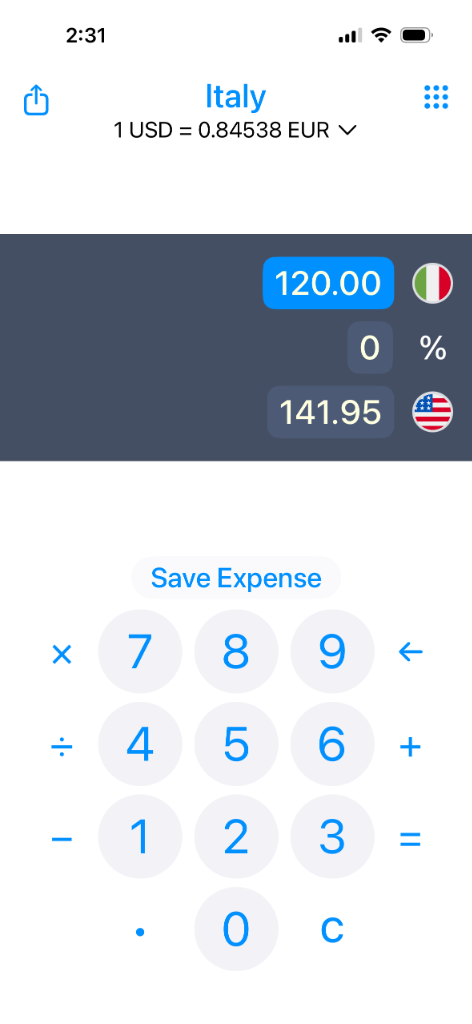
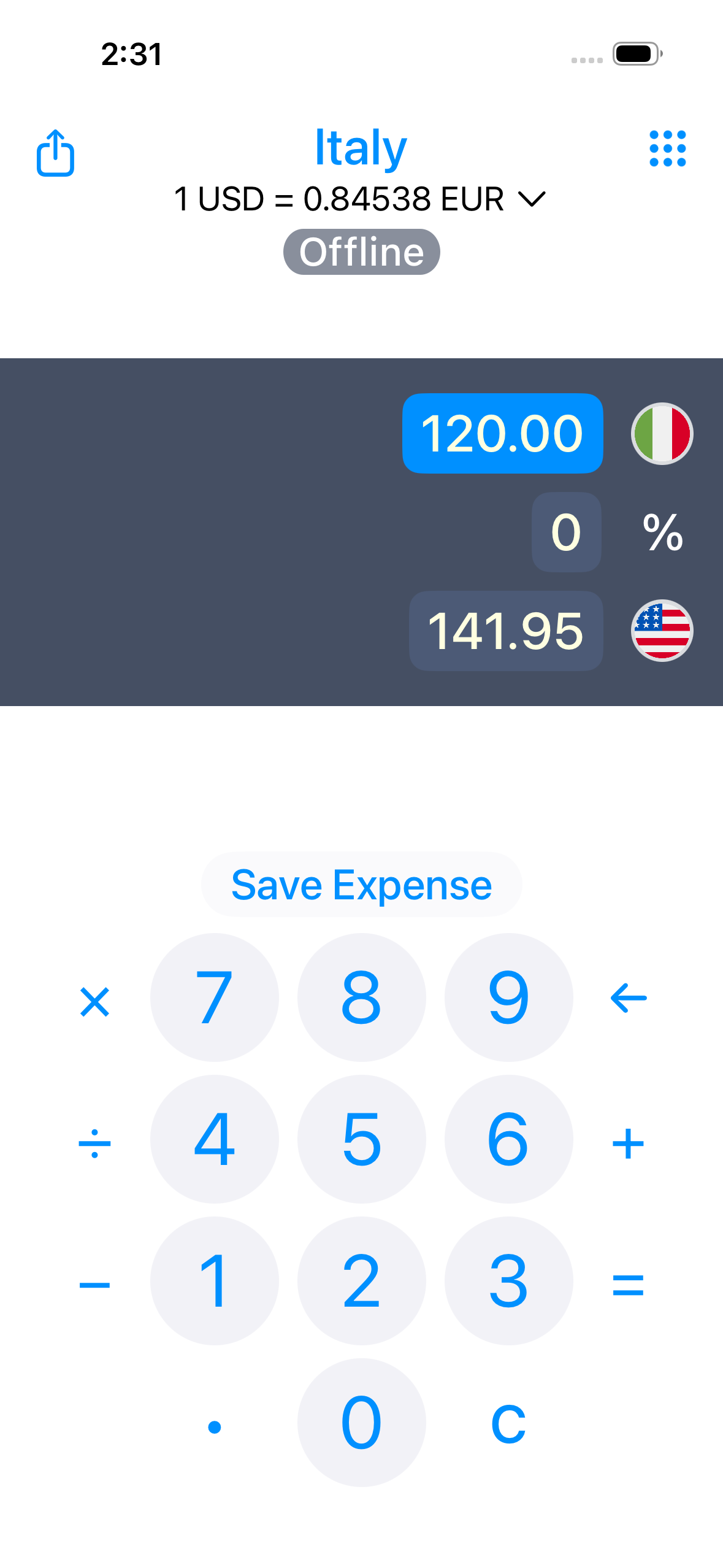
Convert currencies offline

Use it on flights, in airports, abroad, or anywhere data is spotty.

Exchange rates refresh about once per hour when internet is available, then you can keep converting offline.

Also auto-detects your local currency when you arrive.

Currency Converter Interface

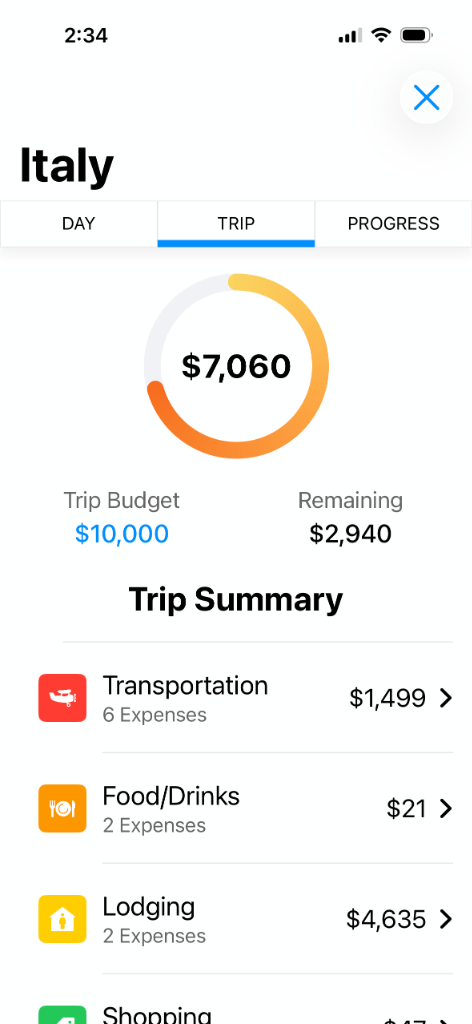
Track travel spending & stay on budget

Set a trip budget and track spending as you go — even when your expenses are in different currencies.

See where your money goes with clear charts and categories like food, lodging, transportation, tours, and shopping.

Travel expense tracker and budget dashboard (iPhone)

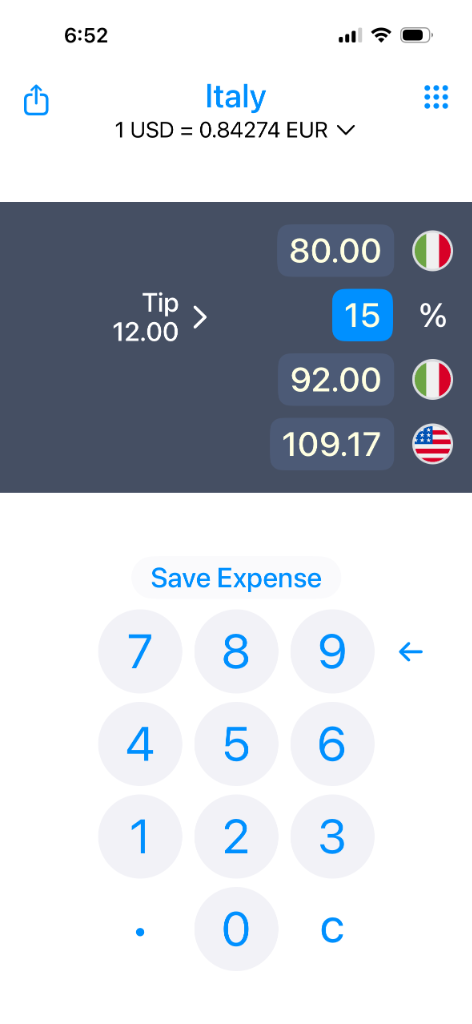
Tip & discount calculator

Quickly calculate a tip percentage or apply discounts — then convert the total to the currency you need.

Tip and discount calculator for travelers

150+ currencies •
240+ countries & regions

Works worldwide — supports 150+ currencies and recognizes 240+ countries/regions for international travel.

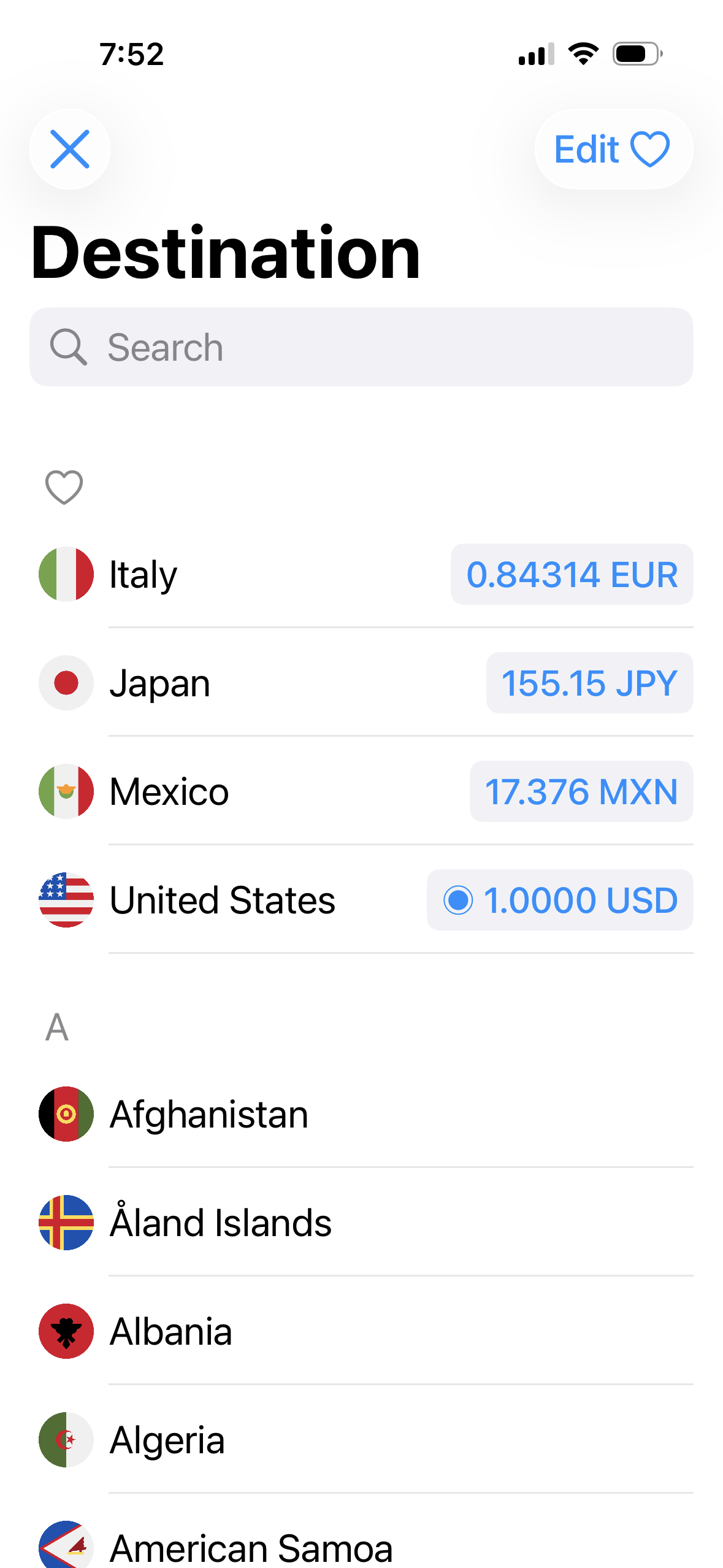
Also pin your favorite currencies for quick access.

Great for Mexico, Canada, the UK, Japan, and anywhere you travel.

Destinations List

Home Screen widgets for fast conversions

Add widgets to your iPhone Home Screen to glance at exchange rates or your trip totals without opening the app.

Home Screen widget for travel spending

FAQ

Quick answers for travelers comparing currency converter apps.

Money Converter + is built for travel: refresh rates when you’re online, then keep converting in airplane mode or with no data. It supports 150+ currencies and works worldwide.

Yes. Once exchange rates are refreshed, you can keep converting without an internet connection — great for flights, cruises, and travel with limited data.

When internet is available, the app refreshes rates regularly (about once per hour), and the latest rates remain available offline.

Yes. Track spending by trip and category, and set a budget to stay on track while you travel.

Yes. Enter a percentage to calculate tips or discounts in any currency, then convert the total instantly.

Money Converter + supports 150+ currencies and recognizes 240+ countries/regions for international travel.

Yes — it can automatically detect the local currency when you travel, so you can start converting right away.

Yes — you can pin favorite currencies for faster access and quicker conversions while traveling.

There’s an optional premium feature for exchange fee support, helpful when you want a more realistic “what I’ll actually pay” estimate.

Yes — optional premium features include custom exchange rates and three-way currency conversion.

Yes. Use the Apple Watch app to convert amounts while you travel, even offline.

Yes. Display the exchange rates of your favorite currencies in widgets on your iPhone or iPad home screen.

Yes. It’s free to download, with optional in-app purchases for premium features.

Ready for your next trip?

If you’re searching for the best offline currency converter for iPhone — one that also calculates tips and tracks travel expenses — download Money Converter + on the App Store. Featured by Apple.